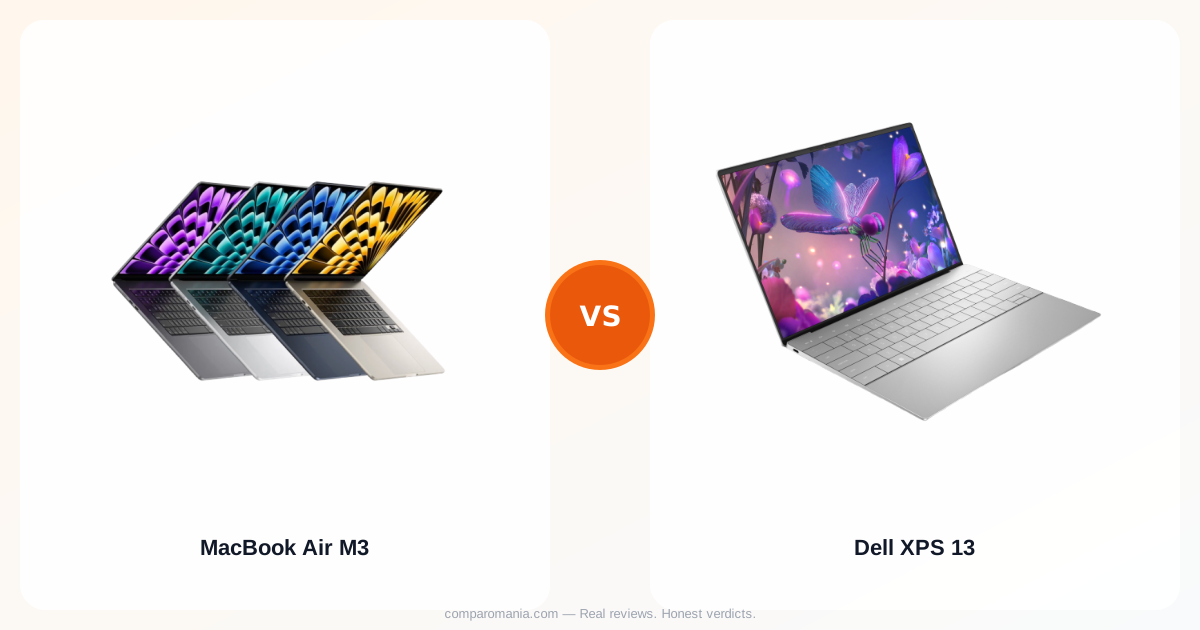
Your current laptop takes three minutes to boot and the fan sounds like a jet engine during video calls. The webcam makes you look like you're broadcasting from a cave, and the trackpad stutters through basic scrolling. You need something that works without thinking about it.
Both the MacBook Air M3 and Dell XPS 13 promise that silent, instant-on experience. But six months into ownership, one delivers consistently while the other creates small daily frustrations that compound into genuine annoyance.
The M3 Air runs cool when the XPS 13 gets warm
The M3 chip changes the thermal equation completely. MacBook Air owners report the laptop staying cool during Zoom calls, photo editing, and Chrome with 20+ tabs open. No fan noise because there's no fan.
The Dell XPS 13 with Intel's 13th-gen processors runs warmer. Not burning hot, but warm enough that you notice it on your lap during long work sessions. Users mention the fan kicking in during video calls or when running multiple applications. It's not loud by traditional laptop standards, but it's audible in quiet rooms.
This isn't a performance issue — both handle everyday tasks smoothly. It's about the experience of using them. The Air stays silent and cool. The XPS 13 occasionally reminds you it's working.
Battery life separates daily users from power-cord hunters
Real-world battery testing shows the M3 Air consistently hitting 12-15 hours of mixed use. Web browsing, document editing, video streaming — the kind of work most people actually do. Users regularly report leaving the charger at home for full workdays.
The XPS 13 delivers 8-10 hours under similar conditions. Respectable for a Windows ultrabook, but short enough that you're thinking about outlets by late afternoon. Dell's power management has improved, but Intel chips still can't match Apple silicon's efficiency.
The difference isn't just hours — it's behavior. Air users stop tracking battery percentage. XPS 13 users develop charging habits.
Build quality costs reveal themselves over time
Both feel premium initially. The MacBook Air's aluminum construction and the XPS 13's machined chassis both suggest they'll last. But user reports after 12+ months show different patterns.
MacBook Air owners report minimal wear. The aluminum develops a slight patina but no structural issues. The screen hinge stays tight. Keys don't develop shine spots as quickly as previous MacBook generations.
XPS 13 users mention more varied experiences. Some units hold up perfectly. Others develop keyboard issues, trackpad inconsistencies, or screen hinge wobble. Dell's quality control appears less consistent — you might get a perfect unit or one that develops quirks.
This is the structural problem with ultrabook manufacturing: when everything gets thinner, tolerances get tighter, and manufacturing consistency becomes everything. Apple's single-SKU focus versus Dell's multiple configurations creates different quality outcomes.
The keyboard and trackpad difference compounds daily
The MacBook Air's keyboard has shorter key travel than mechanical keyboards but consistent feedback. More importantly, the trackpad is large, responsive, and handles multi-touch gestures smoothly. MacOS gestures feel natural — three-finger swipes, pinch-to-zoom, two-finger scrolling all work without thinking about them.
The XPS 13's keyboard offers similar typing comfort, but the trackpad experience varies. Windows trackpad drivers have improved, but they still don't match the precision of Mac trackpads. Two-finger scrolling occasionally stutters. Palm rejection isn't as reliable. These aren't deal-breakers, but they're daily friction points.
For users switching from Mac to PC, the trackpad adjustment takes weeks. For Windows users, it feels normal until they try a MacBook.
Screen quality matters for daily eye strain
Both offer sharp displays, but the color accuracy differs. The MacBook Air M3's Liquid Retina display delivers consistent colors and good brightness. Text stays crisp at various viewing angles.
The XPS 13's display options vary by configuration. The base 1920x1200 screen offers good clarity but less color accuracy than the Air. The 2.8K OLED option provides richer colors but takes a battery life hit and can show reflections in bright environments.
For users doing color-sensitive work, the Air provides more predictable results out of the box. For general use, both work fine, but the consistency factor favors Apple.
Software ecosystem lock-in shapes long-term costs
This determines everything else. If you're already using iPhone, iPad, AirPods, and iCloud, the MacBook Air M3 integrates seamlessly. Photos sync automatically. Messages appear on all devices. AirDrop moves files instantly.
Windows users with Android phones won't get that integration with the MacBook Air. The XPS 13 works better with Microsoft services, Android devices, and Windows-specific software.
Neither is objectively better — it depends entirely on your existing setup. But switching ecosystems means relearning workflows and potentially rebuying software.