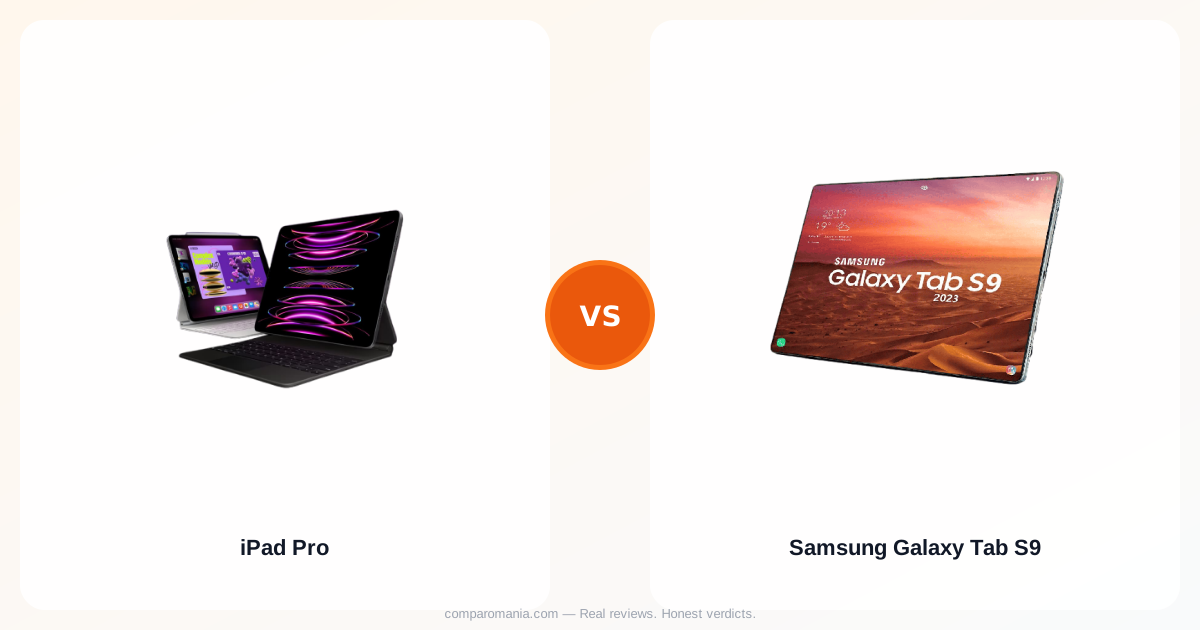
The M2 chip runs circles around Snapdragon 8 Gen 2
Benchmarks tell part of the story. The iPad Pro 12.9 with M2 scores around 15,000 on Geekbench multi-core. The Galaxy Tab S9 Ultra with Snapdragon 8 Gen 2 hits about 5,400. But those numbers hide what matters more for daily use.
Video editors see the gap immediately. Rendering a 4K project in LumaFusion takes 3 minutes on the iPad Pro, 8 minutes on the Galaxy Tab S9. The Samsung gets warm during heavy tasks. The iPad stays cool.
For lighter work — browsing, streaming, note-taking — both feel equally smooth. The performance difference only shows up when you push them.
iPadOS limits what the hardware can do
Here's what nobody mentions upfront: the iPad Pro runs a mobile operating system that treats it like a big iPhone. You can't install proper desktop applications. No full Chrome with extensions. No real file management. No external monitor support that actually works like a computer.
The Galaxy Tab S9 runs Android with Samsung's DeX mode, which turns it into something closer to a Windows desktop when connected to a monitor. You can run multiple windows, drag files between folders, and use the same apps you'd find on any Android phone — but in desktop layouts.
This isn't about Android vs iOS preference. It's about fundamental capability.
The S Pen comes in the box, Apple Pencil costs $29
Samsung includes the S Pen with every Galaxy Tab S9. It attaches magnetically, charges wirelessly, and works immediately out of the box. Pressure sensitivity feels natural for drawing and note-taking.
Apple sells the second-generation Apple Pencil separately for $29. It's slightly more responsive than the S Pen — 9ms latency versus 12ms — but not enough to justify the extra cost for most users.
Both styluses work well for digital art and handwritten notes. The S Pen's included software has more features built in, like the ability to translate text by hovering over it.
Screen quality separates them more than expected
The iPad Pro uses Mini-LED backlighting with 2,596 local dimming zones. Peak brightness hits 1,600 nits. Colors stay accurate across viewing angles. Text looks sharp at any zoom level.
The Galaxy Tab S9 has an AMOLED display that delivers true blacks and punchy colors. Peak brightness reaches 900 nits — fine for indoor use, but harder to see in direct sunlight. The screen looks oversaturated compared to the iPad's more neutral tone.
For photo editing or color-critical work, the iPad Pro's display accuracy matters. For watching HDR content, both look excellent.
Battery life depends entirely on what you do
Light usage — reading, web browsing, streaming video — both tablets last 10+ hours. The Galaxy Tab S9's AMOLED screen sips power when displaying dark content. The iPad Pro maintains consistent battery drain regardless of what's on screen.
Heavy tasks tell a different story. Running intensive apps or games drains the Galaxy Tab S9 noticeably faster. The iPad Pro's more efficient M2 chip keeps battery life steady even under load.
Charging speeds favor Samsung. The Galaxy Tab S9 supports 45W fast charging and reaches 80% in about an hour. The iPad Pro charges at 20W and takes nearly two hours for the same level.
App selection reveals the real divide
The iPad has apps designed specifically for tablets. Adobe Creative Cloud, Procreate, and Notability work better on iPad than their Android versions. Many popular apps don't have Android tablet versions at all — they just stretch phone apps to fit the bigger screen.
Android gives you access to desktop-class browsers and more flexibility in file management, but fewer apps that take advantage of the larger display. Most Android apps still feel like phone apps running on a big screen.
This gap matters more if you plan to use the tablet for creative work or productivity tasks that require specialized software.
Storage and connectivity options
The iPad Pro starts at 128GB with no microSD slot. Storage upgrades cost $100 per tier — 256GB, 512GB, 1TB, or 2TB. Cellular models add $30 to any configuration.
The Galaxy Tab S9 starts at 256GB and includes a microSD slot that supports cards up to 1TB. You can expand storage for $50-100 instead of paying Apple's upgrade prices. 5G models cost about $50 more than WiFi-only versions.
Both tablets offer similar port selection — USB-C for charging and data transfer, no headphone jack.
Build quality and durability
Both tablets feel premium. The iPad Pro uses aluminum construction that resists fingerprints and scratches. The Galaxy Tab S9 has an aluminum frame with a glass back that looks sleeker but shows fingerprints more easily.
Drop test results favor the iPad Pro slightly — its thicker design provides more protection for the screen and internal components. Both tablets survive normal daily use without issues.
Water resistance gives Samsung an edge. The Galaxy Tab S9 has IP68 rating for water and dust protection. The iPad Pro has no official water resistance rating, though it typically survives light splashes.
Price and value calculation
The 12.9-inch iPad Pro starts at $1,99 for 128GB WiFi. Adding the Apple Pencil brings the total to $1,28.
The Galaxy Tab S9 Ultra starts at $1,00 for 256GB WiFi with S Pen included. You get double the storage and the stylus for roughly the same price.
Both tablets hold their value well for resale, though iPads typically maintain higher resale prices over time.